What data fitness apps collect
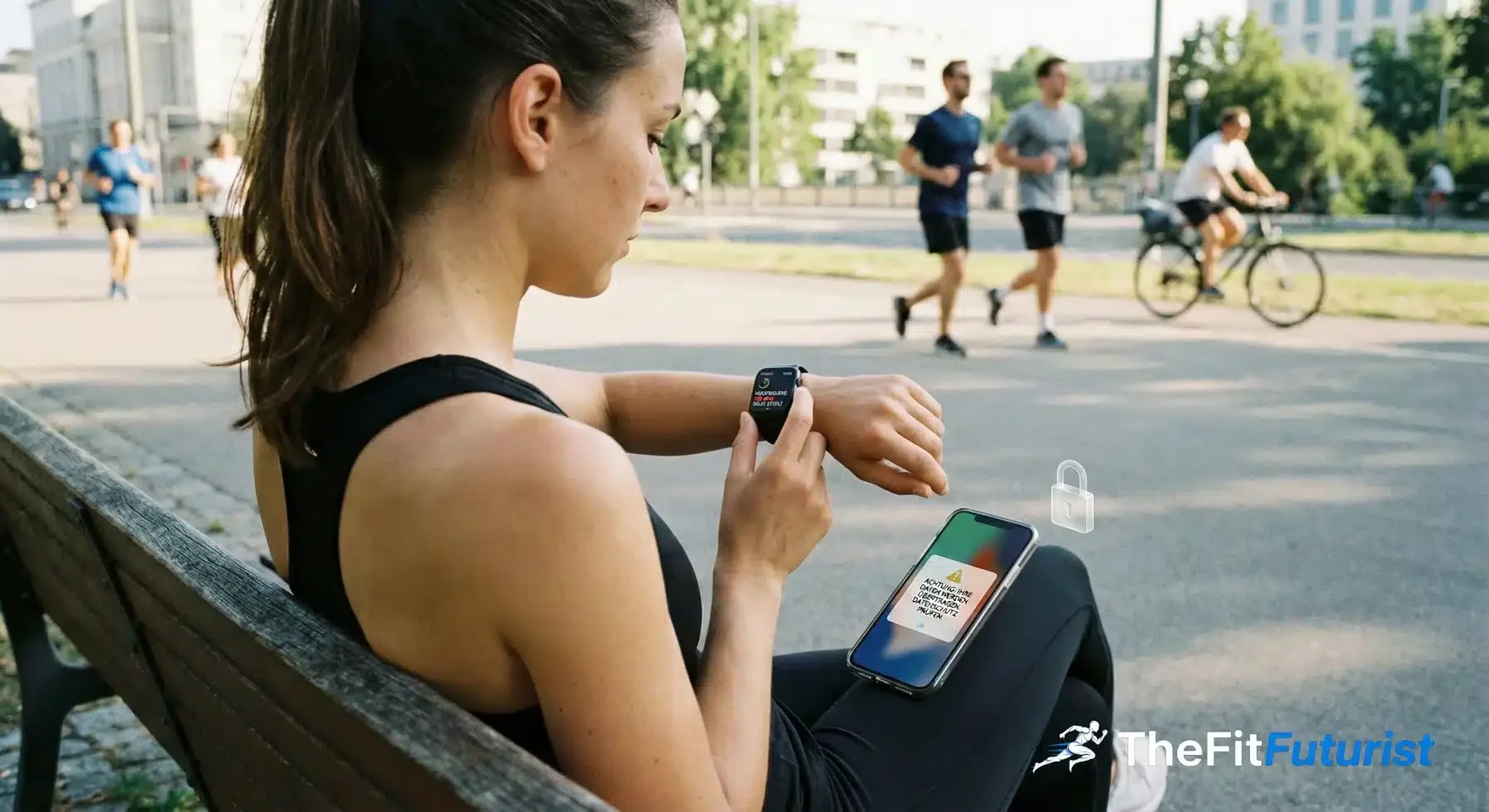
Most users underestimate how much they give away every day.
Data category | Examples | Sensitivity |
|---|
Vital signs | Heart rate, HRV, blood oxygen, respiratory rate | Very high |
Activity | Steps, calories, workouts, routes | High |
Sleep | Sleep stages, sleep duration, wake times | Very high |
Body metrics | Weight, body fat, muscle mass | High |
Location | GPS tracks, frequent locations, movement patterns | Very high |
Cycle data | Menstruation, fertility, symptoms | Extremely high |
Revealing enough on their own. Combined, this data produces a complete health profile – more detailed than most medical records.
Who wants your fitness data?
The app providers themselves obviously need your data to deliver their service. But also for product improvement, personalised advertising and, in some cases, selling aggregated insights to third parties. What exactly happens with this data depends on what kind of AI actually sits behind the app – from a simple rule set to a trained model.
Advertisers see fitness data as gold for targeted ads. Low sleep score? Ads for supplements. Location at the gym? Ads for local fitness offers. The correlation between your data and what gets sold to you is no coincidence.
Insurers are showing growing interest. Health insurers offer discounts in exchange for activity data; life insurers use it to model risk. Already a reality in some countries, still limited in Germany – but the direction is clear.
Data brokers form the invisible market: they aggregate data and resell it, often without a direct link back to the original user – in theory. In practice, re-identification is possible in many cases.
LLMs and your fitness data: the underestimated risk
When you use ChatGPT, Claude or Gemini for training analysis, you share sensitive health data with AI companies. Since 2025, all major providers use consumer data for model training – unless you explicitly switch it off. That affects anyone who uses LLMs for their AI training planning – even with the best prompts.
What the providers do with your data
Provider | Default setting | Data retention | Business accounts |
|---|
ChatGPT (Free/Plus/Pro) | Training ON | 30 days (deletable) | No training |
Claude (Free/Pro/Max) | Training ON since Sept 2025 | 5 years if training ON, 30 days if OFF | No training |
Gemini (Free/Advanced) | Training ON since Sept 2025 | 3 years (reviews), 72h after deletion | No training |
All three providers changed their policies in 2025. Training is now the default – you have to actively object.
What exactly gets used?
With training enabled, your prompts (that is, your training and health data), the AI responses, uploaded files such as CSVs with HRV data or training logs, and your feedback all feed into model training. Claude additionally uses code sessions; Gemini also uses images, videos and screenshots.
Concretely: if you analyse your HRV values, sleep patterns or body composition with an LLM, that data may end up in future model versions – anonymised, but still.
Opt-out instructions: how to stop the training
ChatGPT (OpenAI)
For Free, Plus and Pro accounts: open ChatGPT, click your profile picture (bottom left), go to Settings → Data Controls and switch "Improve the model for everyone" off.
You can also use Temporary Chat (chat icon, top right). These chats stay out of your history and are not used for training, but OpenAI keeps them for up to 30 days for safety checks. You can delete old chats via Data Controls, although the 30-day retention on the servers still applies.
For Team/Enterprise/API: training is disabled by default.
Claude (Anthropic)
For Free, Pro and Max accounts: open Claude, click your profile icon, go to Settings → Privacy and switch "Help improve Claude" off.
IMPORTANT FOR CLAUDE
The retention difference is drastic: 30 days with training OFF, 5 years with training ON. Old conversations you reopen after the policy change can also be used for training. Incognito Chats are the safest option – they never flow into training, even if the toggle is ON.
For Claude for Work/Enterprise/API: training is disabled by default.
Gemini (Google)
For Free and Advanced accounts: open Gemini, click the activity icon (clock with arrow) in the side menu – or go directly to myactivity.google.com/product/gemini. Click "Turn off" on Gemini Apps Activity and confirm. Optional: "Turn off and delete activity" also deletes old data.
Also check that "Improve Google services with your audio" is disabled (relevant for Gemini Live). For sensitive conversations, use Temporary Chats – Google deletes them after 72 hours and does not use them for training.
For Google Workspace accounts: training is disabled by default.
Opt-out at a glance
Provider | Where | Setting | Privacy mode |
|---|
ChatGPT | Settings → Data Controls | "Improve the model for everyone" OFF | Temporary Chat |
Claude | Settings → Privacy | "Help improve Claude" OFF | Incognito Chat |
Gemini | Activity icon → Turn off | "Gemini Apps Activity" OFF | Temporary Chat |
Free vs. Paid: does it make a difference?
Short answer: no – not for consumer accounts.
Many people think: "I pay for Pro/Plus, so my data won't be used." Wrong. ChatGPT Plus, Claude Pro, Gemini Advanced – all of them treat your data the same as free accounts. Training is ON, and you have to do the opt-out yourself.
Account type | Training default | Opt-out possible? |
|---|
Consumer (Free/Plus/Pro/Max/Advanced) | ON | Yes |
Business (Team/Enterprise/Workspace) | OFF | Not needed |
The real difference: only business and enterprise accounts have training disabled by default. You are not paying for privacy – you are paying for features.
What still happens even after opting out
Even with training disabled, every provider still stores your data – for legal and security reasons. ChatGPT keeps deleted chats on its servers for 30 days. Claude does the same (without the training opt-in). Gemini deletes after 72 hours but keeps reviews for up to 3 years. For trust-and-safety flags – for example, suspected abuse – all providers keep data longer.
On top of that: chats are not end-to-end encrypted. Staff may have access for security reviews. In a data breach, your conversations could be exposed.
Treat LLM chats like semi-public spaces. Don't share anything you wouldn't mention in an office meeting.
The most privacy-friendly options for fitness analysis
If you want maximum privacy but still want to use AI for fitness, you have three routes.
Local LLMs like Ollama, LM Studio or GPT4All run entirely on your machine – no data leaves your device. Quality is enough for simple analysis, but does not match GPT-4 or Claude level. On the benchmark's safety questions it is not the home-capable models that trail, though: the bottom two are Mistral Medium 3.5 at 56 out of 100 and Llama 4 at 58, neither of which runs on your own machine. Gemma 4, the only genuinely local one, sits at 66, level with Claude Opus 5 and Gemini 3.1 Pro. For an HRV trend analysis or training-log review it is perfectly usable.
API access with zero retention via the OpenAI API, Anthropic API or Google Vertex AI is the best compromise between quality and privacy. No training on API data (default), retention only 30 days for abuse monitoring. Cost: ~10–20 €/month with moderate use.
Privacy modes in the consumer apps – i.e. Temporary Chat (ChatGPT/Gemini) and Incognito Chat (Claude) – are not used for training and stay out of your history. They are not stored at zero, though: OpenAI and Anthropic keep these chats for up to 30 days, Google for 72 hours. The simplest route for sensitive analysis if you don't want to set up an API.
Your rights under the GDPR
As an EU citizen you have strong rights – with fitness apps and with LLM providers alike.
Right to access (Art. 15) means: you can find out at any time what data is stored about you, where it came from, who it has been shared with and how long it will be kept. Email the data protection officer or use the form in the app – the provider has one month to respond.
Right to erasure (Art. 17) lets you demand deletion of all your data – with some limits for legal retention obligations. With fitness apps, delete the account (check whether all data really disappears). With ChatGPT you find the option under Settings → Data Controls → Delete all chats. With Claude under Settings → Account → Delete Account. With Gemini via myactivity.google.com.
Right to object (Art. 21) is the most powerful tool: you can object to your data being processed for training at any time, without justification. That is exactly what the opt-out toggles do.
Privacy check: fitness apps compared
Provider | Data storage | Third-party access | My assessment | Export available |
|---|
Apple Health | Local on device | Only with consent | solid | Yes |
Garmin | Servers in EU/USA | Limited, opt-in | solid | Yes, extensive |
Oura | EU & USA | Limited | solid | Yes |
Strava | USA | Segments public (default) | ok, adjust settings | Yes |
Whoop | USA | Research partners | Restricted | Yes |
Fitbit/Google | Google servers | Google ecosystem | disputed (noyb complaint 2023) | Yes |
MyFitnessPal | USA (Under Armour) | Ad partners | Restricted | Limited |
Apple Health is the gold standard: data stays local on your device. Garmin and Oura are solid – clear policies, extensive export. With Strava you have to actively adjust privacy settings (segments are public by default). It gets critical with apps that push aggressive advertising or have unclear policies – if you can't figure out what happens to your data after five minutes of searching, that's an answer too. How these apps differ technically – that is, whether rule-based algorithms or real machine learning are in play – also shapes how much data they actually need. Whether a provider is GDPR compliant can ultimately only be decided by a regulator or a court. This column is my read of their privacy policies, not a certification.
Privacy settings: what to change right now
For fitness apps there are four levers that make the biggest difference. First: restrict location tracking. Allow GPS only while using the app, not permanently. Enable privacy zones in Strava or Garmin so your starting point (read: your home) is not publicly visible.
Second: rethink social features. Does your profile need to be public? Do activities need to be shared automatically? In most cases the answer is: no.
Third: review third-party connections. Which apps have access to your health data? Remove old connections you haven't used in months immediately.
Fourth: disable ad tracking. On iOS under Settings → Privacy → Tracking. On Android under Settings → Google → Ads → Delete advertising ID.
For LLMs the priority is clear: disable training (instructions above), use Temporary/Incognito Chats for sensitive analysis, delete old chats regularly. Don't upload raw data when a description is enough. And anonymise where you can – "a 35-year-old man with runner's knee" instead of your name.
Red flags: when to stay away
No clear privacy policy. If after five minutes you still don't know what happens with your data: walk away.
Free with an unclear business model. "If the product is free, you are the product." Not always true – but often enough to look twice.
Excessive permissions. A calorie-tracking app does not need access to your microphone. Full stop.
No export function. Anyone who won't release your data has an interest in locking you in. Your data, your analysis – that should apply to every provider.
Pros and cons: using LLMs for fitness analysis
FOR
Instant, personalised analysis
More flexible than specialised apps
Opt-out and privacy modes available
AGAINST
Data on external servers, not end-to-end encrypted
Training enabled by default, retention after deletion
Policies can change at any time
Your data, your control
Your fitness data is sensitive – whether it sits in an app or in a chat with an AI. Since 2025, ChatGPT, Claude and Gemini use consumer data for training by default. You have to actively object. The good news: it takes 30 seconds.
The GDPR gives you strong rights – use them. And if a provider won't tell you what they do with your data: that is also an answer. You can find the full overview of AI in fitness – from technologies to training planning to data analysis – in the AI in Fitness Guide.